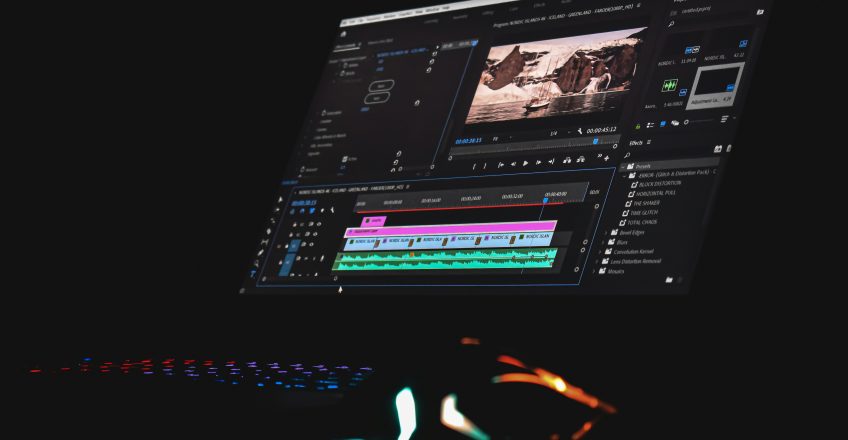
Creating high-quality videos goes beyond shooting with a good camera; the real magic happens in the editing process. The choice of editing software plays a crucial role in determining the final quality, workflow efficiency, and overall professionalism of your content.At Oramedia https://oramedia.co.ke/ professional editing is a key part of delivering visually compelling stories, ensuring every project meets high production standards. In 2026, video editing tools have become more powerful, with AI features, advanced color grading, and high-resolution support now standard.
Adobe Premiere Pro remains the industry standard for video editing, widely used in film, television, and digital content creation.
Best for: Professional editors, agencies, and content creators working on complex projects.
DaVinci Resolve is a powerful, all-in-one editing platform known for its industry-leading color grading tools.
Learn more: https://www.pcmag.com/
Best for: Filmmakers and editors focused on cinematic quality and color precision.
Final Cut Pro is optimized for Apple devices, offering fast performance and smooth workflow for professional editing.
Best for: Mac users who need speed, efficiency, and professional output.
Filmora is a user-friendly software that delivers professional-looking videos without a steep learning curve.
Best for: Beginners, YouTubers, and small businesses.
CapCut has become a popular choice for creators focusing on short-form and social media videos.
Best for: Social media creators and quick content production.
6. CyberLink PowerDirector (Best for Speed & Performance)
PowerDirector is known for its fast rendering speeds and powerful editing tools, making it ideal for efficient workflows.
Best for: Editors who need fast turnaround times without compromising quality.
To achieve the best quality videos, consider software that offers:
The best video editing software depends on your needs, skill level, and workflow. For professional work, Adobe Premiere Pro and DaVinci Resolve stand out. For beginners and content creators, Filmora and CapCut offer simplicity and efficiency.
Ultimately, choosing the right software will help you transform raw footage into high-quality, engaging, and professional videos that leave a lasting impression.